 FRTOL
FRTOL Exam Practice for UK PilotsTalk Like a Pilot Before You Fly Like One.
FRTOL is an iPhone app for practising the UK RT exam and the Flight Radiotelephony Operator's Licence practical test. An AI air traffic controller speaks CAP 413, listens to your calls, checks every read-back and marks you like an RT examiner.
Free to download, with 10 minutes of flight time to try it.

- 10 MINfree when you install
- LIVEtoday's real UK weather
- REALUK airspace and frequencies
- ANY TIMEno instructor to book
- OFFLINEunderstands you without signal
See FRTOL in Action
A quick tour of the app: making your first call, the controller checking your read-backs, the mock exam, and the debrief at the end.
▶ Play the VideoMost Students Find the Radio Harder Than the Flying
In the FRTOL practical test an examiner plays ATC while you fly a planned route and deal with whatever they set you. Knowing the rules is rarely the problem. Saying it fluently, in the right order, under pressure is. Books and talking to yourself in the car don't talk back, and they don't mark you.
- The Order of the CallCallsign and type, from and to, position, level, then flight rules and intentions.
- Read-Backs, Every TimeSquawk, QNH, runway, headings, levels, frequencies and clearances, finished with your callsign.
- Numbers the CAP 413 Way"QNH one zero one tree", "two thousand fife hundred feet", "squawk seven thousand".
- The UnexpectedA Mayday on frequency, "say again", a radio failure, or being unsure of your position.
Five Miles South of Gloucestershire, at 2,100 Feet
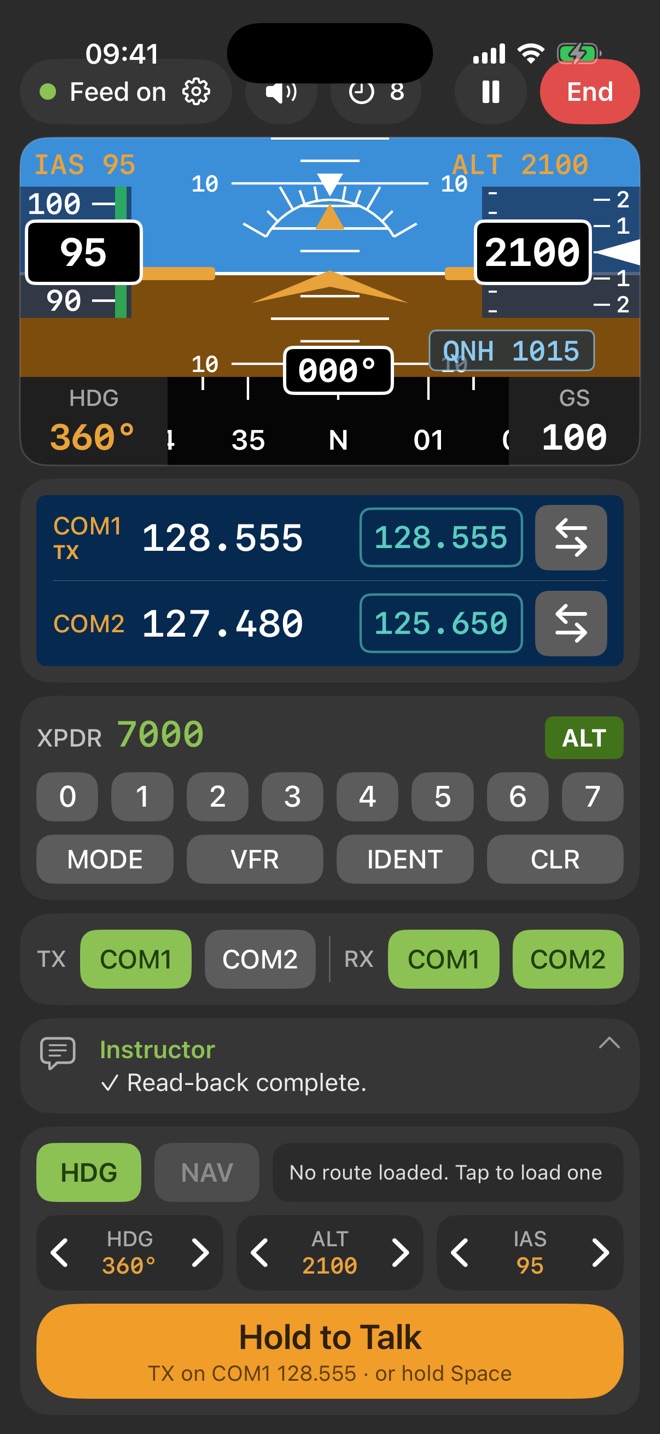
An exchange from the app. COM2 is on the Gloster ATIS, COM1 on Gloster Approach. You hold the talk button and speak, and the controller answers in a natural UK voice through an airband radio effect.
Gloster Approach, Golf Juliett Juliett Papa Charlie, radio check one two eight decimal five five five.
Golf Juliett Juliett Papa Charlie, Gloster Approach, readability fife.
Gloster Approach, Golf Juliett Juliett Papa Charlie, request Basic Service.
Golf Juliett Juliett Papa Charlie, Gloster Approach, pass your message.
Golf Juliett Juliett Papa Charlie, PA-28, from Gloucestershire to Oxford, five miles south of Gloster, altitude two thousand one hundred feet, VFR, information Juliett.
Golf Papa Charlie, roger, Basic Service, squawk seven tree six tree, QNH one zero two two.
Basic Service, squawk seven three six three, Golf Papa Charlie.
Golf Papa Charlie, NEGATIVE, QNH one zero two two.
QNH one zero two two, Golf Papa Charlie.
✓ Read-back complete.
Gloster Approach, Golf Bravo Charlie, five miles west of Stow-on-the-Wold, altitude one thousand six hundred feet.
Golf Papa Charlie, traffic two o'clock, four miles, crossing right left, indicating tree hundred feet above.
Traffic not sighted, Golf Papa Charlie.
Golf Papa Charlie, Basic Service terminated, squawk seven thousand, frequency change approved.
Squawk seven thousand, changing to London Information, Golf Papa Charlie.
Numbers, the CAP 413 Way
Controllers in FRTOL say TREE, FIFE and NINER, use "thousand" and "hundred" for altitudes, and read frequencies digit by digit with "decimal". You hear it on every transmission until it's how you say it too. Try a few here.
Prefer plain "three" and "five"? There's a CAP 413 digits switch in the app's speaker menu.
Never the Same Flight Twice
The flying is deliberately simple, so your attention stays on the radio. Everything you hear and read back is as real as we can make it.
- Weather
- Today's Weather in Every ATISThe wind, runway in use, cloud and pressure you hear are the real ones, and your aircraft flies in the real wind.
- Airspace
- Real UK Airspace and FrequenciesTune the frequencies printed on your chart. Get close to controlled airspace and you're warned. Stray inside and you're told to turn away.
- Traffic
- Other Pilots on FrequencyLight aircraft fly around you and make their own calls ("five miles west of Stow-on-the-Wold"). Real aircraft nearby can join in too.
- Voices
- Natural British and Irish ControllersEvery controller and pilot has their own voice, with the crackle and squelch of a real airband radio.
- Listening
- It Understands Pilot-SpeakCallsigns, frequencies and numbers come out right, and it works without signal.
- Your nav app
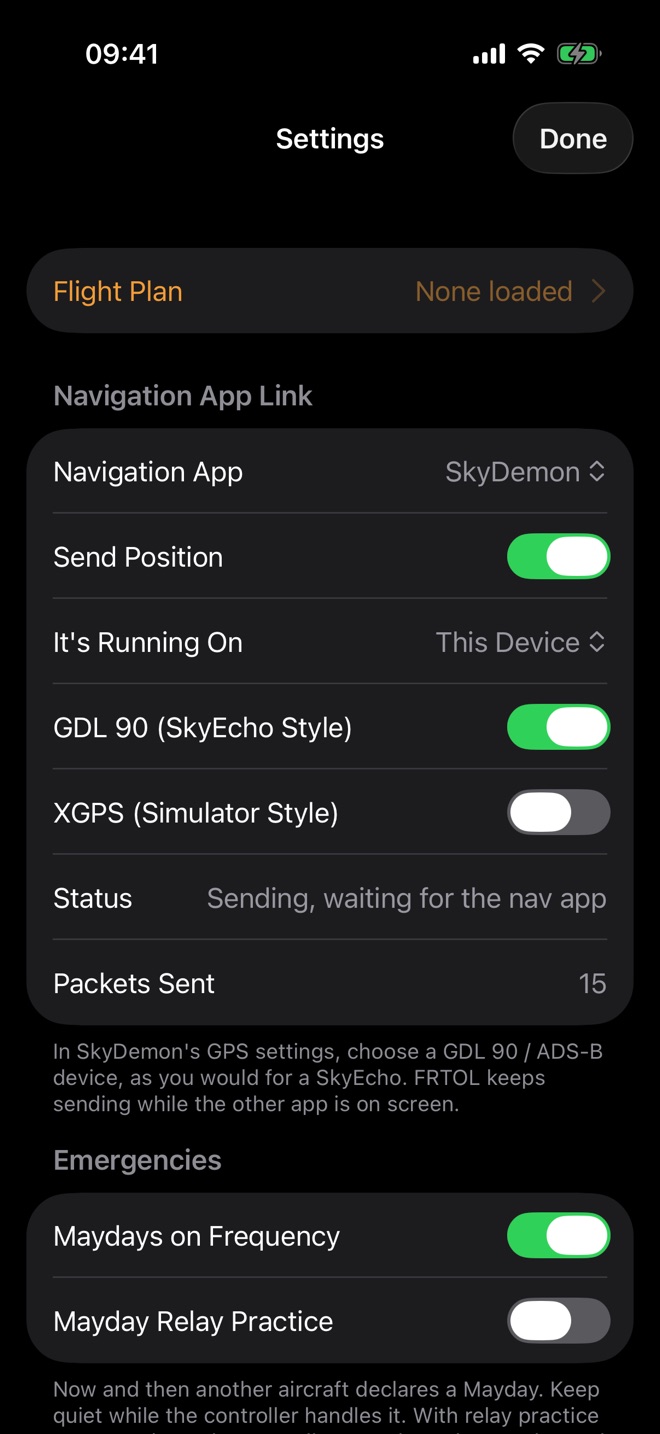
- SkyDemon, ForeFlight, Garmin PilotYour practice flight shows on the moving map you really fly with, just as it would with a portable traffic receiver.
- Airfield
- From Parking to LandingRadio check, taxi, "ready for departure", take-off, circuit calls and landing, with Tower, Information and Radio stations each behaving as they should.
- Home sim
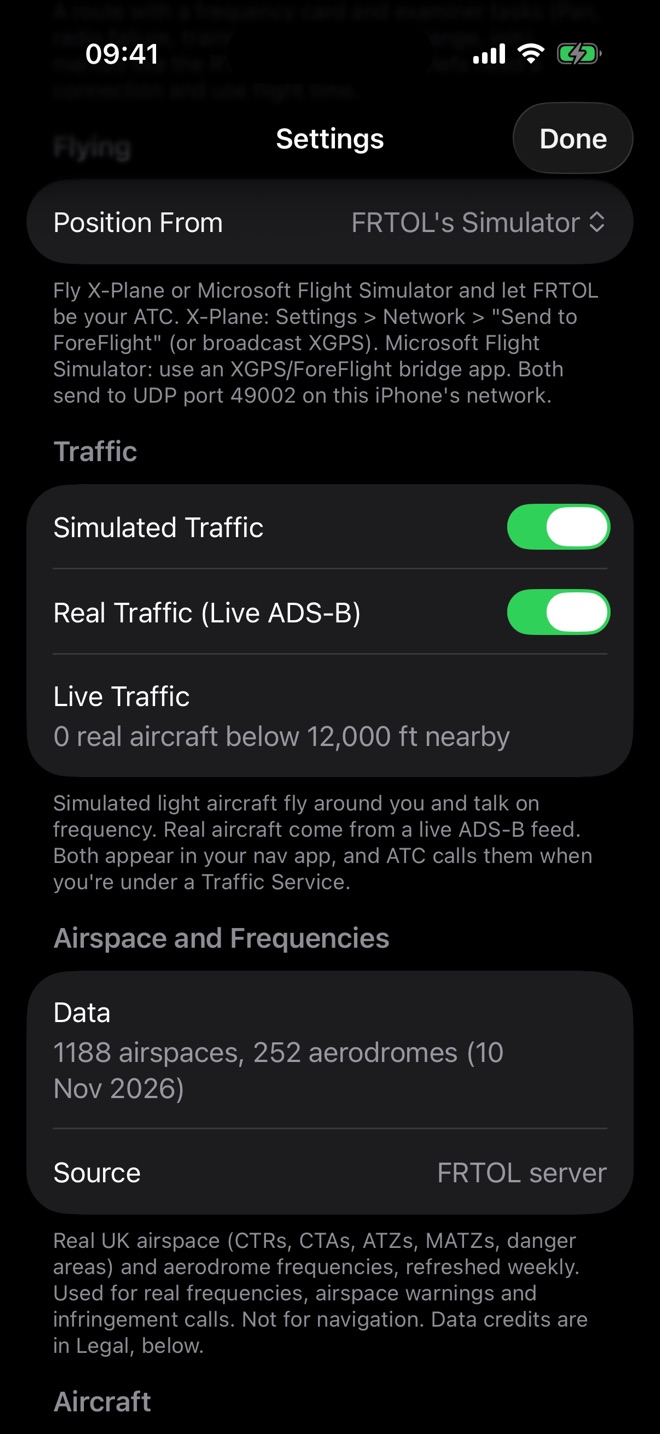
- X-Plane and Microsoft Flight SimulatorFly your own simulator and let FRTOL be your air traffic control.
One Screen, Like a Real Panel
Sit the Practical Test as Often as You Like
FRTOL builds a cross-country route and a frequency card. Then an examiner sets the same kinds of tasks as the real RT practical test, at set times into the flight.
Short on time? Six free drills of two to five minutes each practise one skill at a time: Mayday, practice Pan, radio failure, zone transit, overhead join and a frequency change. New to RT? A free Guided First Flight walks you through your first calls.
- 1 MINInitial CallCall the radar unit on your card and ask for a Basic Service.
- 6 MINPractice PanRough-running engine. Change to 121.500 and call London Centre.
- 11 MINRadio FailureSquawk 7600 and transmit blind for 3 minutes.
- 15 MINTraining FixUncertain of position. Ask London Centre where you are.
- 19 MINFrequency ChangeLeave the unit correctly for your destination.
- 23 MINJoinCall your destination and join the circuit.
| Gloster Information (ATIS) | 127.475 |
| Gloster Approach | 128.555 |
| Gloster Tower | 122.905 |
| London Information | 124.600 |
| London Centre (distress and diversion) | 121.500 |
Free to Download. Pay for the Time You Fly.
Every new install gets 10 minutes of flight time, enough to try the controller and get a debrief. After that, top up with a pack of flight time from the App Store. No subscription, and minutes never expire.
A couple of mock exams, or a week of short circuits.
About ten full mock exams, or steady practice between lessons all the way to your practical test.
For practising most days, or keeping your radio sharp long after the test.
Only While You Fly
The clock runs only while a flight is running, by the started minute. Pause and it stops.Invite a Friend
Share your code from the app. When a friend enters it and buys flight time, you get 10 free minutes.No Sign-In
No account or password. You pay through the App Store, and Restore brings your time back on a new phone.What It Covers
The natural controller voices, the AI controller for unusual calls, and your debrief after each flight.
UK prices, including VAT. Prices in other countries are set by the App Store. Up to 200 free minutes from inviting friends (20 friends).
Learn the RT Basics, Free
You don't need the app to start learning. Our free guides cover what happens in the practical test, how to make your calls, and where to find the official CAA material.
Frequently Asked Questions
What is the FRTOL?
The Flight Radiotelephony Operator's Licence (FRTOL) is the UK licence you need to use an aircraft radio. Student pilots usually get it alongside their PPL or LAPL by passing an RT written exam and a practical test with an RT examiner.
How does FRTOL help me pass the RT practical test?
You practise real radio calls out loud with an AI air traffic controller that uses CAP 413 phraseology. It checks every read-back, corrects you like a real controller, sets examiner-style tasks in a mock exam, and gives you a debrief with the exact words to use next time.
Does it work with SkyDemon, ForeFlight and Garmin Pilot?
Yes. FRTOL sends your practice flight to SkyDemon, ForeFlight or Garmin Pilot, so you see it on the moving map you really fly with.
Can I use it with X-Plane or Microsoft Flight Simulator?
Yes. Fly X-Plane or Microsoft Flight Simulator on your computer, and FRTOL on your iPhone becomes your air traffic control.
Does it work without signal?
FRTOL understands your radio calls without signal. Live weather, real traffic, natural voices and the AI debrief need an internet connection.
How much does FRTOL cost?
The app is free to download and comes with 10 minutes of flight time. After that, you buy flight time in the app: 1 hour for £5.99, 5 hours for £24.99 or 12 hours for £49.99. There's no subscription, and minutes never expire.
Do I need to make an account?
No. There's no sign-in, email or password. Purchases go through your Apple Account, so if you get a new phone, tap Restore purchases and your flight time comes back.
Is FRTOL approved by the CAA?
No. FRTOL is a training aid. It isn't approved by or affiliated with the UK CAA, and it doesn't replace your instructor or the real RT exams.
Anyone Who Wants to Sound Right on the Radio
Student Pilots
Working towards a PPL or LAPL and the FRTOL.Test Candidates
Preparing for the practical test and wanting mock exams.Returning Pilots
Brushing up before flying into busier airspace.Instructors
Looking for something students can practise with between lessons.FRTOL isn't approved by the UK CAA. It doesn't replace your instructor, the RT written exam or the practical test with an RT examiner.
Airspace, frequency, traffic and weather data may be incomplete or out of date. Use the UK AIP, current charts and official weather for real flights.
Set Up in Five Minutes
Your first 10 minutes are free. The user guide takes you from first launch to your first radio check, then through every feature.